
Turn a Restaurant Menu Into Images
Upload a restaurant menu photo or PDF and Menu AI turns every dish into menu-ready images. The workflow extracts menu items, creates dish visuals, and keeps useful food details attached to each item.
How to turn a restaurant menu into images
- Upload the menuStart with a restaurant menu photo, screenshot, or PDF from your phone or computer.
- Extract dishesMenu AI reads menu sections, dish names, descriptions, and prices when they are visible.
- Generate dish imagesEach extracted dish gets a realistic, consistent visual reference based on the menu text.
- Review and shareReview dish images, nutrition hints, and allergen hints, then use the output in a visual menu.
Why restaurants turn menus into images
Text-only menus make customers guess what a dish looks like. That slows ordering, pushes people toward safer choices, and makes unfamiliar cuisines harder to sell.
Menu AI turns the existing restaurant menu into a visual menu, so every dish can have a clear image and structured details without organizing a full photoshoot.
- Add images to a restaurant menu with no existing photos
- Create visual QR menus and website menus faster
- Help delivery listings look complete
- Refresh seasonal menus without waiting for new photography
Start from the menu you already have
You do not need to rewrite your menu manually. Upload a photo, screenshot, scanned PDF, or digital PDF and Menu AI extracts the dishes from the source file.
The output is designed for restaurant workflows: dish names stay connected to sections, descriptions, generated images, nutrition hints, and allergen hints.
Built for image coverage across the whole menu
The hard part is not creating one food image. The hard part is creating useful images for every item while keeping the style consistent.
Menu AI focuses on full-menu coverage so restaurants, menu designers, and delivery teams can work from one repeatable flow.
- Consistent image style across dishes
- Reusable menu item data
- Shareable visual menu output
- Fast updates when dishes change
Before and after: from text menu to visual menu
Before: a text-only restaurant menu
Starters: burrata with tomato pesto, crispy calamari, patatas bravas. Mains: truffle mushroom risotto, grilled salmon with vegetables, spicy chicken bao.
After: structured dishes with image-ready outputs
- Burrata with tomato pestoGenerated dish image, short description, vegetarian hint, allergen hints for milk and nuts.
- Truffle mushroom risottoGenerated dish image, estimated calories, ingredient summary, vegetarian hint.
- Grilled salmon with vegetablesGenerated dish image, protein-forward nutrition hint, fish allergen hint.
- Spicy chicken baoGenerated dish image, menu section, spice context, gluten and soy hints.
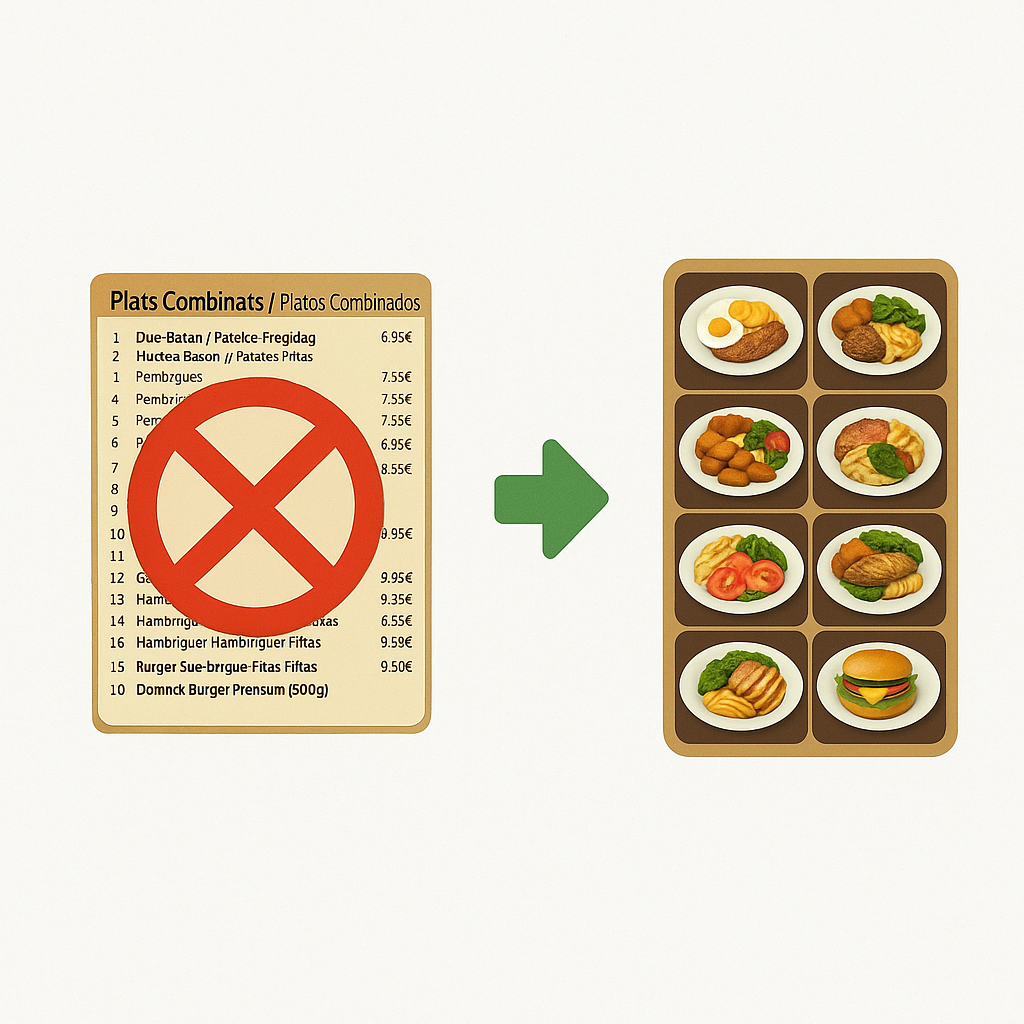
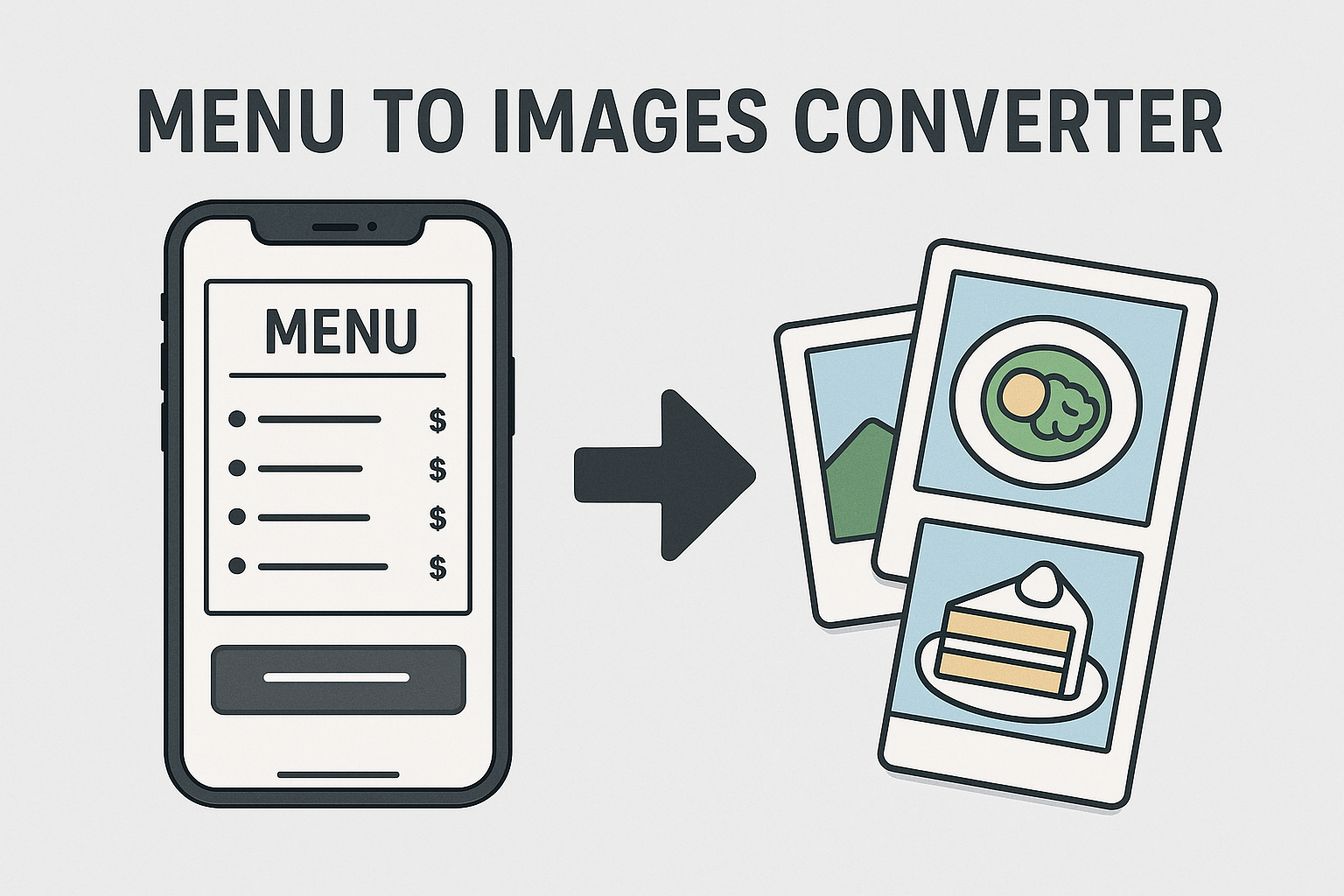
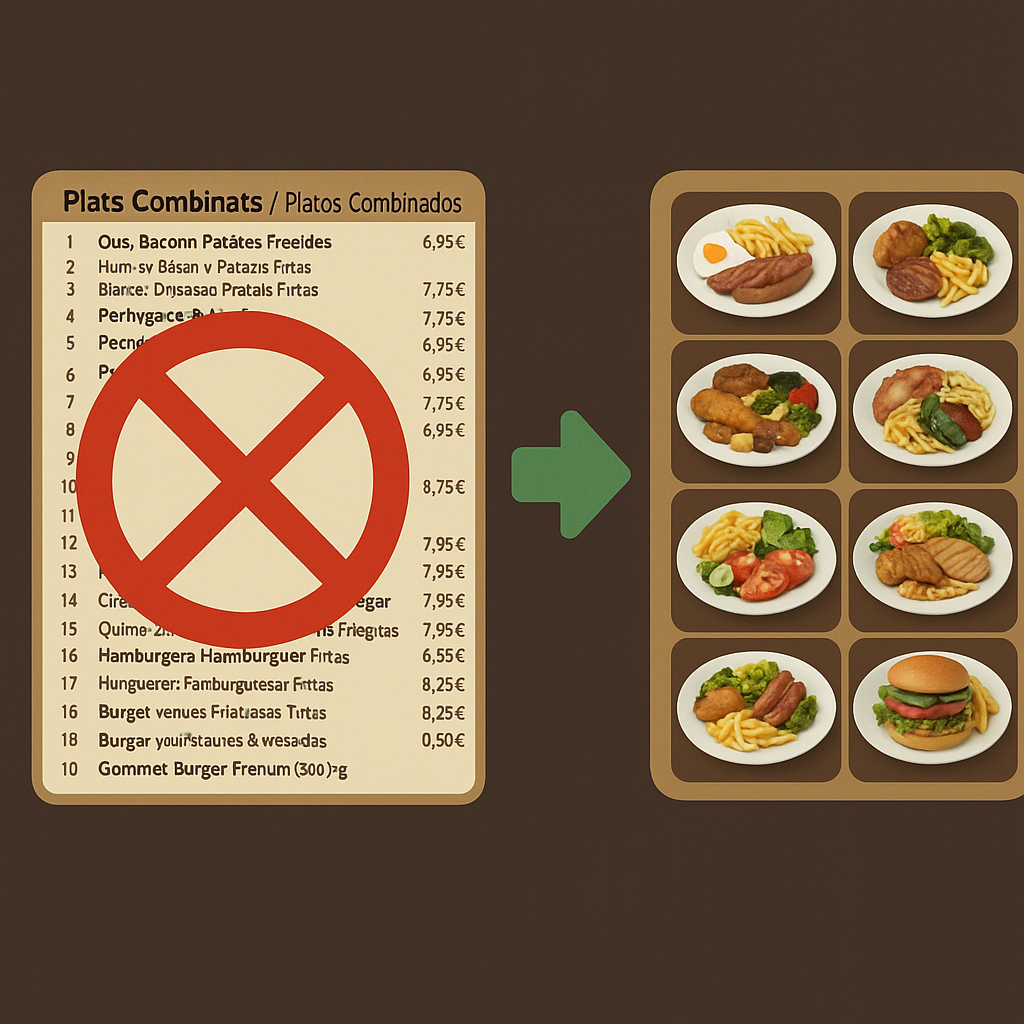
Generated dish image examples
What Menu AI gives you for each dish
- Dish imageA realistic AI-generated visual reference based on the menu item.
- Structured dish dataDish name, section, description, and price when the menu includes it.
- Nutrition hintsEstimated calories and macro-style hints for faster browsing.
- Allergen hintsSignals for common allergens that restaurants should verify before publishing.
Menu AI vs other ways to get menu images
| Option | Best for | Limitations |
|---|---|---|
| Menu AI | Turning an existing restaurant menu photo or PDF into dish images and structured menu data. | Generated images are visual references, not exact photos of your real plating. |
| Menu design tools | Creating a printable layout or brand design from scratch. | They usually do not extract dish data or generate images for every existing menu item. |
| Food photo editors | Improving photos you already have. | You still need real photos for each dish before editing. |
| Stock photos | Fast one-off visuals for common dishes. | Manual matching is slow and images often mismatch your actual menu items. |
| Professional photography | Exact branded photos of real plating. | Higher cost and slower updates when menus change frequently. |
Explore more
Scan a menu photo or PDF and turn it into structured dishes with images.
Extract dish names, sections, prices, and descriptions from real menu images.
Create menu photos without a photoshoot and keep menus easier to update.
Digitize menus at scale with structured dish data and generated menu images.
FAQ
How do I turn a restaurant menu into images?
Upload a menu photo, screenshot, or PDF to Menu AI. It extracts the dish list, generates a dish image for each item, and keeps food details attached to the output.
Can I turn a PDF menu into dish images?
Yes. Menu AI supports PDF menus as well as JPG, PNG, and screenshots. Clear files produce the best extraction results.
Does Menu AI create a full menu design?
Menu AI focuses on turning existing menus into structured dishes and dish images. You can use the output in your website, QR menu, delivery listing, or a separate design tool.
Are the generated dish images exact photos of my food?
No. They are AI-generated visual references based on the dish text. Exact plating and branded photography still require real food photos.
Can restaurants use the images on their menu?
Yes. Restaurants can use generated images as menu visuals after reviewing that the outputs match the intended dish well enough for their use case.
Can I add images to a menu that has no photos?
Yes. This is the main workflow: upload a text-only restaurant menu and generate images for the extracted dishes.
Does the tool also extract menu text?
Yes. Menu AI uses menu-focused OCR to extract dish names, sections, descriptions, and prices when they are visible in the source menu.
Does it include nutrition or allergen information?
Menu AI can surface nutrition and allergen hints. Restaurants should verify those hints before treating them as official dietary information.
Is this better than stock photos?
For full-menu coverage, it is usually faster than searching for stock photos item by item and can keep a more consistent visual style.
Who should use this workflow?
Restaurants, delivery platforms, menu designers, agencies, and travelers who need to turn menu text into visual dish references can use this workflow.